IPS Glow vs Backlight Bleed: How to Tell and What to Do
Table of contents
IPS glow is a faint, hazy shine in the corners of an IPS monitor, most visible on dark scenes in a dark room. The quickest way to tell it from backlight bleed is to move your head. Glow shifts, changes shape or fades as your viewing angle changes. Bleed stays in exactly the same spot. Glow is a normal trait of every IPS panel and is not a defect. Bleed can be, if it is strong.
What is IPS glow?
IPS glow is light from the backlight that gets through an IPS panel when you look at it from a steep angle. An LCD makes black by setting its liquid crystals so that a pair of polarizing filters block the backlight. In an IPS panel, that block works best when you look at the screen straight on. At steep angles, more light gets past the filters, so dark areas turn grayish, silver or slightly warm.

From a normal seat, you look at the center of the screen straight on but see the corners at an angle. The closer you sit and the bigger the screen, the steeper that corner angle gets. That is why glow shows up in the corners and is most obvious on 27 and 32 inch monitors at close range.
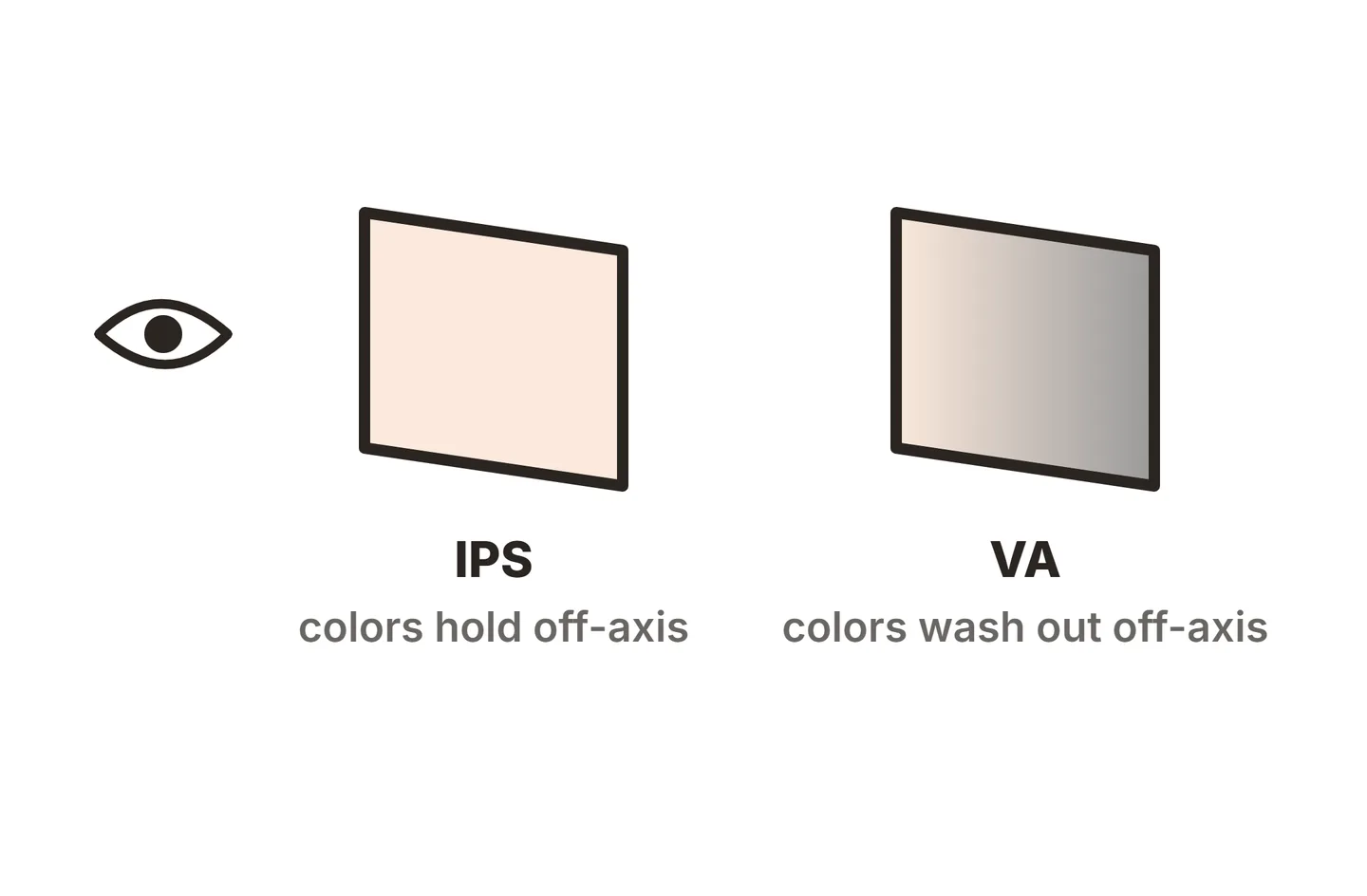
The same panel design is what gives IPS its strengths: colors and brightness stay steady across a wide viewing angle, which suits photo work and shared screens. Glow is the trade for that.
IPS glow vs backlight bleed: how to tell them apart
The two look alike on a black screen, so the test is to change your viewing position. Dell’s support article on IPS glow and light leakage uses the same rule: glow changes with angle and distance, while leakage stays the same.
| Trait | IPS glow | Backlight bleed |
|---|---|---|
| Where it shows | Corners, often more than one | Edges or corners, often one spot |
| When you move your head | Shifts, changes or fades | Stays in the same place |
| When you sit further back | Fades a lot | Barely changes |
| Look | Soft haze, silver, warm or bluish | Sharper beams or bands of light |
| Cause | IPS panel design at steep angles | Pressure or gaps where the panel meets the frame |
| Panel types | IPS only | Any LCD (IPS, VA, TN) |
| Defect? | No, a trait of the technology | Can be, if visible in normal light |
To run the test, let the monitor warm up, set your usual brightness and show a full-screen black image in a dim room. Look at each corner, then lean left, right, up and down. Next, stand up and step back about 2 meters. Glow will fade sharply or vanish from a distance. A patch that looks the same from every position is bleed, and our guide to LCD screen bleeding explains how much of it is normal and when to return a monitor.
Use your eyes for this, not a phone camera. Cameras raise their exposure on a dark screen and make both glow and bleed look much brighter than they are.
How to reduce IPS glow
You cannot remove glow from an IPS panel, but you can make it hard to notice.
Sit further back. Distance flattens the angle to the corners. Moving from 50 cm to about 70 to 80 cm, roughly arm’s length, often makes a big difference on a 27 inch screen.

Center your eyes. Set the height so your eyes line up with the upper third of the screen, and face it square on. If your head sits low or off to one side, one pair of corners glows more.
Add light to the room. Glow is most visible against a dark room. A desk lamp or a bias light behind the monitor lowers the contrast your eyes notice.
Lower the brightness. Less backlight means less light to leak at an angle. For dark-room use, 30 to 50 percent brightness is often enough. Our guide on how to calibrate a monitor helps you set brightness and gamma so dark scenes still look right.
Look for an A-TW polarizer. A-TW is an extra polarizer film that cuts the off-angle light leak behind most glow. It is rare, but LG used it in 2022 on its UltraGear 32GQ950 and 32GQ850 gaming monitors. It reduces glow a lot but does not fully remove it.
Is IPS glow a defect?
No. Glow comes with IPS technology, and both Dell and BenQ treat it as a trait rather than a fault. It does not spread, wear out the panel or get worse with age. The amount does vary between units, so if your screen looks clearly worse than another unit of the same model, an exchange inside the return window can help.
Glow is also unrelated to burn-in or ghost images. An LCD can hold a faint outline of a static image, but that has a clear shape and does not move with your head. Our guide to LCD monitor screen burn covers that problem, and the monitor screen issues guide covers other faults.
Alternatives if IPS glow bothers you
If you watch a lot of dark content in a dark room, a different panel type may suit you better.
- VA panels have much less glow and deeper blacks, with typical contrast around 3000:1 versus about 1000:1 for standard IPS. The trade is weaker viewing angles and slower dark transitions on many models.
- OLED panels have no backlight, so they have no glow and no bleed. Each pixel switches off for black. The costs are price and burn-in risk, covered in our guides to why OLED monitors are expensive and HDR on an OLED monitor.
- IPS with A-TW keeps IPS color and viewing angles with much less corner glow, though few models use it.
Conclusion
IPS glow is a corner haze that shifts or fades as you move your head, and it is a normal part of every IPS panel. Backlight bleed stays fixed in place and can be a defect if you see it in normal lighting. To keep glow out of the way, sit at arm’s length, center your eyes, add room light and lower brightness. If that still is not enough, a VA or OLED monitor is the real fix. For more help, browse our troubleshooting guides or the full SubInsider monitor knowledge base.
Frequently asked questions
Is IPS glow a defect?
No. Every IPS panel shows some glow, because it comes from how the panel handles light at steep viewing angles. Dell and BenQ both describe it as a trait of IPS technology. The amount varies between units, but glow alone is rarely grounds for a warranty claim. A fixed bright patch is bleed instead.
Does IPS glow get worse over time?
No. Glow is set by the panel and its polarizer films, so it looks the same on day one as it does years later. If a bright patch appears or grows after months of use, it is more likely backlight bleed from pressure on the frame, which is a different issue.
Do all IPS monitors have IPS glow?
Yes, to some degree. It is most visible on large screens viewed from close up in a dark room. Models with an A-TW polarizer cut it down a lot. On a small screen at a normal distance in a lit room, many people never notice it at all.
Does OLED have IPS glow?
No. OLED pixels make their own light and switch fully off for black, so there is no backlight to shine through at an angle. OLED screens have neither IPS glow nor backlight bleed. VA panels show far less glow than IPS, though they can still bleed.
Can a screen protector or matte film reduce IPS glow?
Not really. Glow happens inside the panel, between the backlight and the front polarizer, so an extra film on the surface does not stop it. A matte coating can spread the haze slightly, but distance, room lighting and brightness have a much bigger effect.