Is a 27 Inch Monitor Too Big? When 24 or 32 Inches Fits Better
Table of contents
For most people, a 27 inch monitor is not too big. On a standard desk that lets you sit 60 to 80 cm from the screen, it is the most comfortable all-round size, especially at 1440p. It only becomes too big when the desk is shallow, you sit very close, or the screen is a 1080p panel that makes text look soft.
What “too big” actually depends on
Screen size is only half of the question. What your eyes notice is how much of your view the screen fills, and that depends just as much on how far away you sit. A 27 inch monitor at 50 cm feels huge. The same monitor at 75 cm feels normal.
A 27 inch 16:9 screen is about 60 cm wide and 34 cm tall, measured across the visible panel. For comparison, a 24 inch is about 53 by 30 cm and a 32 inch is about 71 by 40 cm. If you want to check those numbers against a model you are considering, our guide on how monitor size is measured explains the diagonal and the shape behind it, and our chart of how wide a 27 inch monitor is lists the exact width and height of every common size in inches and cm.
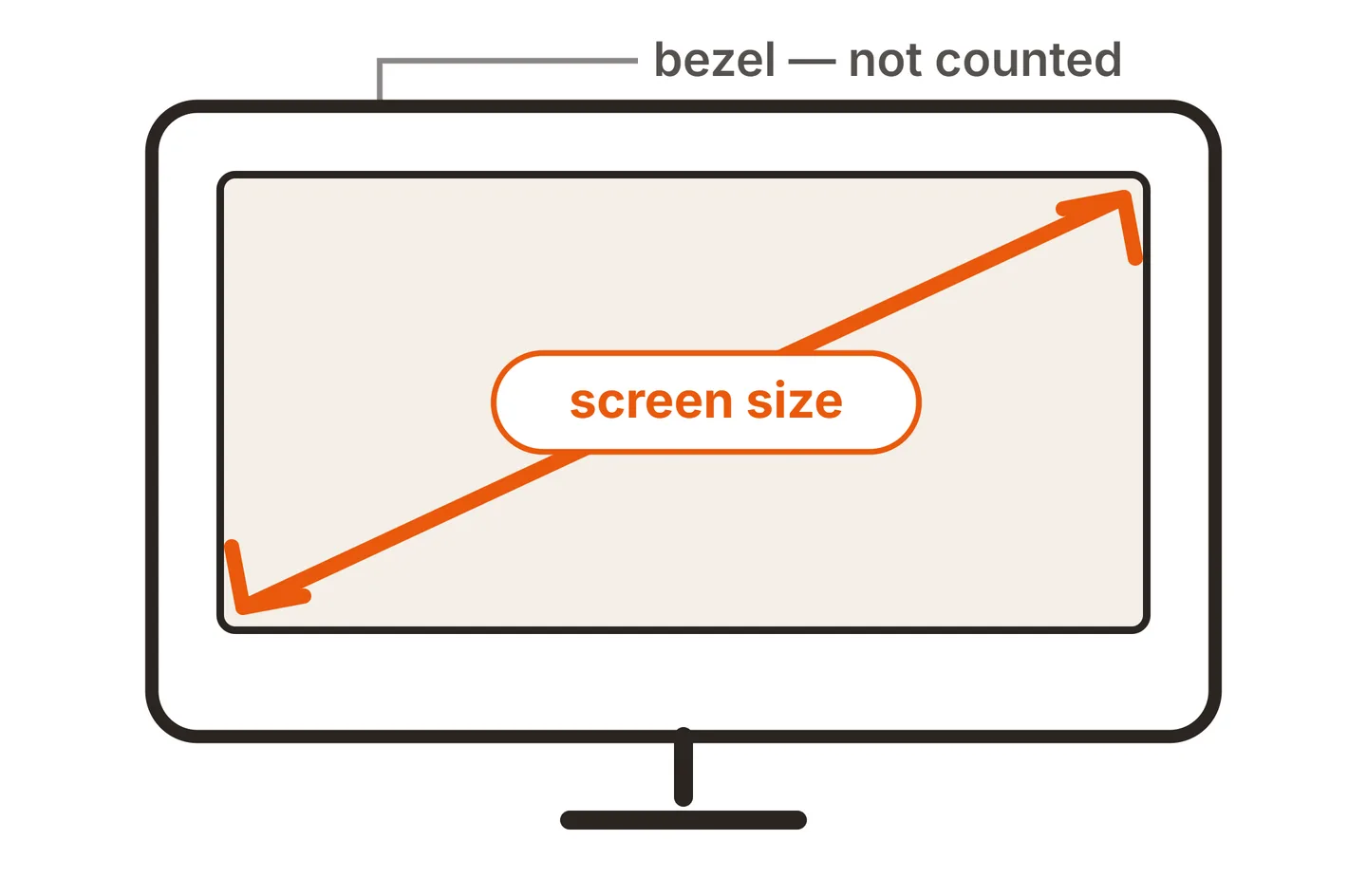

Ergonomics guidance points in the same direction. The UK Health and Safety Executive’s advice on good posture at a screen suggests placing the screen about an arm’s length away, with the top roughly level with your eyes. For most adults that lands in the 60 to 80 cm range, which happens to be where a 27 inch monitor feels right.
Viewing distance and desk depth
Desk depth is the limit most people forget to measure. Common desks are 60 to 80 cm deep. The monitor stand takes up some of that at the back, and your keyboard takes up some at the front, so your actual eye-to-screen distance is usually a little more than the desk depth minus those two.
As a rough rule of thumb:
| Size | Comfortable distance | Desk depth that works |
|---|---|---|
| 24 inch | about 50 to 70 cm | 50 cm and up |
| 27 inch | about 60 to 80 cm | 60 cm and up, 70 cm is comfortable |
| 32 inch | about 70 to 90 cm | 75 cm and up |
These are guides, not limits. Your eyesight, the text size you prefer and whether you lean back all shift them, and if you have low vision, a bigger screen often helps, as our guide to monitors for visually impaired users explains. If your desk is shallow, a monitor arm clamped to the back edge removes the stand footprint and buys back several centimeters. Before buying one, check that your screen has standard mounting holes, as covered in our guide to whether all monitors work with dual monitor arms.
Height matters too. A taller screen pushes its top edge higher, so on a 27 inch monitor you may want to lower the stand slightly to keep the top near eye level. The Cornell University ergonomics guide also recommends placing the screen directly in front of you rather than off to one side, which is easier with a single 27 inch than with two smaller screens.
Resolution: the part that decides it
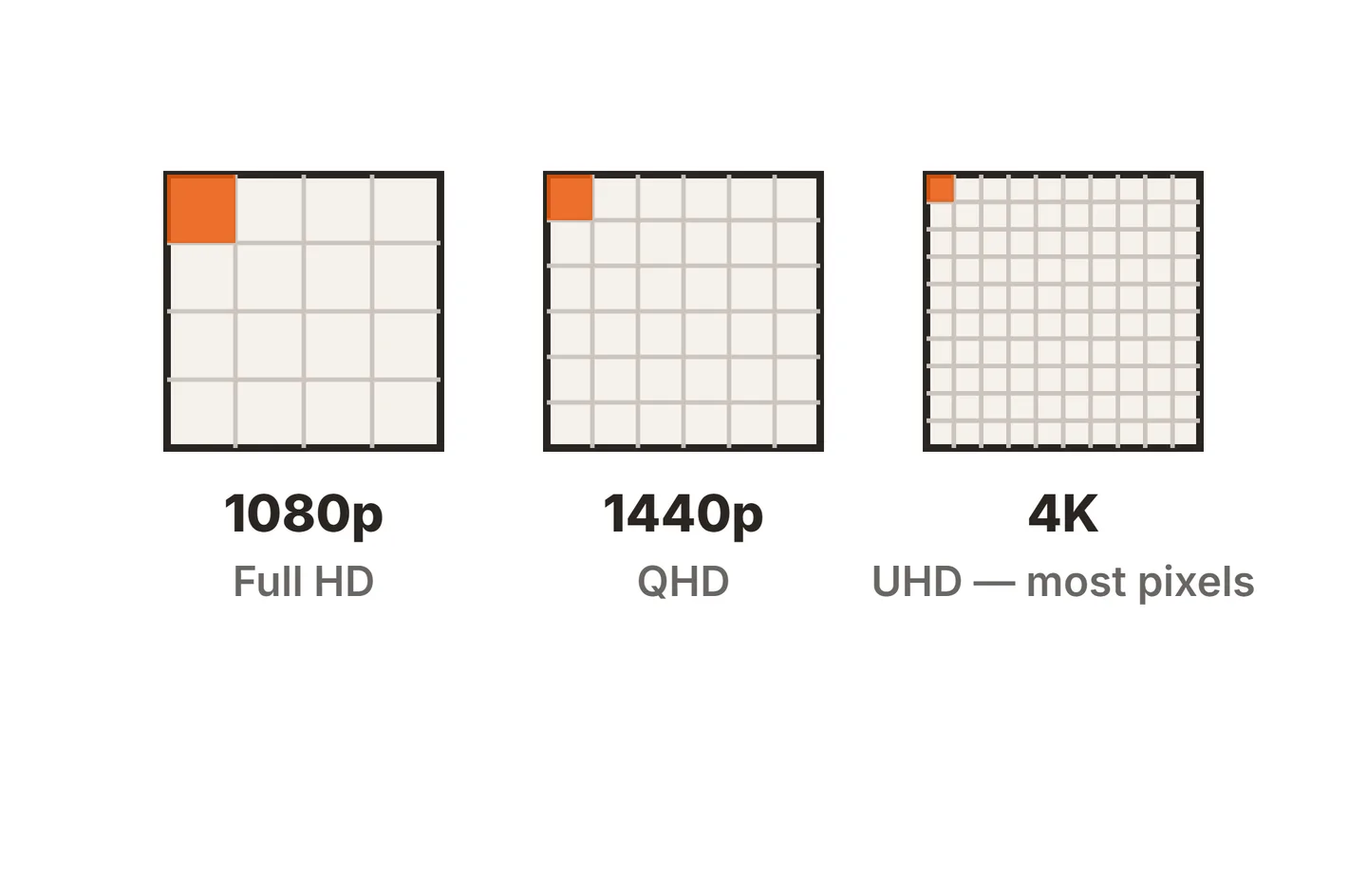
Size and resolution are one decision. The same number of pixels spread across a larger screen makes each pixel bigger, and at a normal desk distance that shows up as softer text.
| Pairing | Pixels per inch | How text looks at desk distance |
|---|---|---|
| 24 inch 1080p | about 92 | Acceptable, the budget standard |
| 27 inch 1080p | about 82 | Visibly soft, slightly fuzzy edges |
| 27 inch 1440p | about 109 | Sharp, the sweet spot for most people |
| 27 inch 4K | about 163 | Very sharp, needs scaling |
| 32 inch 4K | about 138 | Sharp with lots of workspace |
This is the main reason people decide a 27 inch monitor is “too big.” Often it is not the size that bothers them but a 1080p panel at that size. At 1440p, a 27 inch screen gives you crisp text and enough space for two documents side by side at a readable size. A 4K panel is even sharper and is great for photo work, but you will usually set scaling to around 150 percent so text is not tiny. For a deeper look at the trade-off, see our comparison of 4K vs 1080p computer monitors.
24 vs 27 inch monitor
This is the most common size decision, and the gap is bigger than the three inch difference suggests. A 27 inch 16:9 screen is 12.5 percent wider and taller than a 24 inch one, so it has about 27 percent more screen area. The table puts the two side by side, using the visible screen dimensions from our 27 inch monitor size chart.
| What to compare | 24 inch | 27 inch |
|---|---|---|
| Screen width | 20.9 in (53.1 cm) | 23.5 in (59.8 cm) |
| Screen height | 11.8 in (29.9 cm) | 13.2 in (33.6 cm) |
| Screen area | about 246 sq in | about 312 sq in, 27% more |
| PPI at 1080p | about 92 | about 82 |
| PPI at 1440p | about 122 | about 109 |
| PPI at 4K | about 184 | about 163 |
| Comfortable viewing distance | about 50 to 70 cm | about 60 to 80 cm |
| Desk depth that works | 50 cm and up | 60 cm and up, 70 cm is comfortable |
| Two side by side | about 42 in of glass | about 47 in of glass |
| Best use | Compact desks, single-window work, dual setups, 1080p on a budget | All-round work and home use at 1440p, two windows side by side |
The key row is pixel density. A 24 inch 1080p screen and a 27 inch 1440p screen both look sharp at a normal desk distance, at about 92 and 109 pixels per inch. A 27 inch 1080p screen drops to about 82, which is where text starts to look soft. So the honest comparison is usually 24 inch 1080p against 27 inch 1440p, and the bigger screen also gives you about 78 percent more pixels to work with (2560 x 1440 against 1920 x 1080).
Many “24 inch” monitors actually use 23.8 inch panels. The difference is small, about 0.2 inches less width, and at 1080p it nudges sharpness up to roughly 93 pixels per inch.
When a 24 inch monitor is still the better pick
Is a 24 inch monitor too small? Not for everyone. A 24 inch screen is still a perfectly good choice in several situations:
- Shallow or small desks, under about 60 cm deep, where a bigger screen would sit too close.
- Single-window work such as email, writing, customer service tools or coding in one file at a time.
- Dual-monitor setups, where two 24 inch screens fit side by side on a desk that two 27 inch screens would crowd.
- Tight budgets, since 24 inch 1080p monitors are among the cheapest decent screens you can buy.
Where 24 inches starts to feel small is multitasking. If you regularly put two windows side by side, work with wide spreadsheets, or edit photos and video with tool panels open, you will run out of room quickly at 1080p. That is the point where a 27 inch 1440p monitor pays off.
27 vs 32 inch monitor
Stepping up from 27 to 32 inches feels like a bigger jump than going from 24 to 27. The 32 inch screen is about 18.5 percent wider and taller, which adds roughly 40 percent more screen area, and most of what you notice in person is the extra height.
| What to compare | 27 inch | 32 inch |
|---|---|---|
| Screen width | 23.5 in (59.8 cm) | 27.9 in (70.8 cm) |
| Screen height | 13.2 in (33.6 cm) | 15.7 in (39.8 cm) |
| Screen area | about 312 sq in | about 438 sq in, 40% more |
| PPI at 1080p | about 82 | about 69 |
| PPI at 1440p | about 109 | about 92 |
| PPI at 4K | about 163 | about 138 |
| Comfortable viewing distance | about 60 to 80 cm | about 70 to 90 cm |
| Desk depth that works | 60 cm and up, 70 cm is comfortable | 75 cm and up, or a monitor arm |
| Two side by side | about 47 in of glass | about 56 in of glass |
| Best use | Standard desks, 1440p, dual-monitor setups | Deep desks, 4K, one large screen for many windows |
Resolution decides this one too. At 1440p, a 32 inch screen lands at about 92 pixels per inch, the same as a 24 inch 1080p monitor. That is usable, but you sit further back, so it looks noticeably softer than a 27 inch 1440p panel. At 4K the picture flips: 32 inches gives about 138 pixels per inch, sharp enough to run at 125 percent scaling, which leaves a workspace equal to about 3072 x 1728. A 27 inch 4K screen usually needs 150 percent scaling, which leaves the same room as a 2560 x 1440 desktop. In other words, a 32 inch 4K monitor shows more content at a comfortable text size, while a 27 inch 4K looks a little crisper.
For two-screen setups, the balance tips back toward 27 inches. Two 32 inch monitors need roughly 56 inches of desk width before bezels and push the outer edges far into your peripheral vision, so a single 32 inch screen or a pair of 27s is usually the better plan. If you mix sizes, such as a 32 inch main screen beside a 27 inch, our guide to dual monitors with different resolutions covers scaling and alignment.
When 32 inches makes more sense
A 32 inch monitor suits a narrower group of people:
- You have a deep desk, around 75 cm or more, or use an arm to push the screen back.
- You want 4K, which looks sharp at 32 inches with modest scaling.
- You keep many windows open at once, such as trading dashboards, long timelines or large design canvases.
- You want one big screen instead of two smaller ones.
On a standard desk at a normal distance, a 32 inch screen can mean turning your head to reach the corners. If that sounds like you, a gentle curve can help, as covered in our explainer on monitor curvature ratings.
What about gaming?
Gaming changes the priorities a little, because competitive players often prefer smaller screens that keep the whole image in central vision, while immersive games reward bigger ones. We cover that in detail in our guide to a good size monitor for gaming. For mixed use, a 27 inch 1440p screen is a sound middle ground there too.
A quick way to decide
- Measure your desk depth and subtract about 10 to 20 cm for the stand and keyboard area.
- If the result is under about 55 cm, lean toward 24 inches or plan for a monitor arm.
- If it is 60 cm or more, 27 inches at 1440p is the safe default.
- If it is 75 cm or more and you want 4K or lots of windows, consider 32 inches.
Conclusion
A 27 inch monitor is not too big for most desks. It works well at about 60 to 80 cm, and at 1440p it is the best all-round size for office work, study, home use and light creative work. A 24 inch screen is still a good choice for shallow desks, dual setups and single-window work, while 32 inches is worth it when you have the desk depth and want 4K or a lot of space. Match the size to your desk and the resolution to the size, and the screen will feel right.
For more on the numbers behind displays, browse our monitor specs guides, see our monitor buying guides, or head back to the SubInsider monitor knowledge base homepage.
Frequently asked questions
How far should I sit from a 27 inch monitor?
As a rule of thumb, around 60 to 80 cm, which is roughly an arm's length for most adults. Closer than that and you start moving your head to read the corners. Further away, text at normal scaling can get small, especially on a 4K panel without scaling turned up.
Is a 24 inch monitor too small for work?
Not for focused single-window work such as email, writing or coding in one file. It feels tight when you regularly place two documents side by side, compare spreadsheets or edit photos with tool panels open. In those cases a 27 inch 1440p screen gives noticeably more usable space.
Is 1080p OK on a 27 inch monitor?
It works, but text looks visibly softer than on a 24 inch 1080p screen because the same pixels are spread over more glass, about 82 pixels per inch. For reading and office work, 1440p is the better match at 27 inches and usually costs only a little more.
What desk depth do I need for a 27 inch monitor?
About 60 cm is the practical minimum with the monitor on its stand, and 70 cm or more feels comfortable. If your desk is shallower, a monitor arm frees the space the stand takes up and lets you push the screen back toward the wall.
Is a 24 or 27 inch monitor better?
For most desks, 27 inches at 1440p is the better all-round choice, with about 27 percent more screen area and sharper text than a 27 inch 1080p panel. A 24 inch monitor is better for desks under about 60 cm deep, single-window work, dual setups and tight budgets.
Is a 32 inch monitor too big compared to 27 inch?
Only if your desk is shallow or you sit close. A 32 inch screen has about 40 percent more area than a 27 inch one and works best at 70 to 90 cm away, ideally at 4K. On a desk under about 75 cm deep, 27 inches is usually more comfortable.